Lesson Progress
0% Complete
MAC36NL & MAC36PRO Comparison
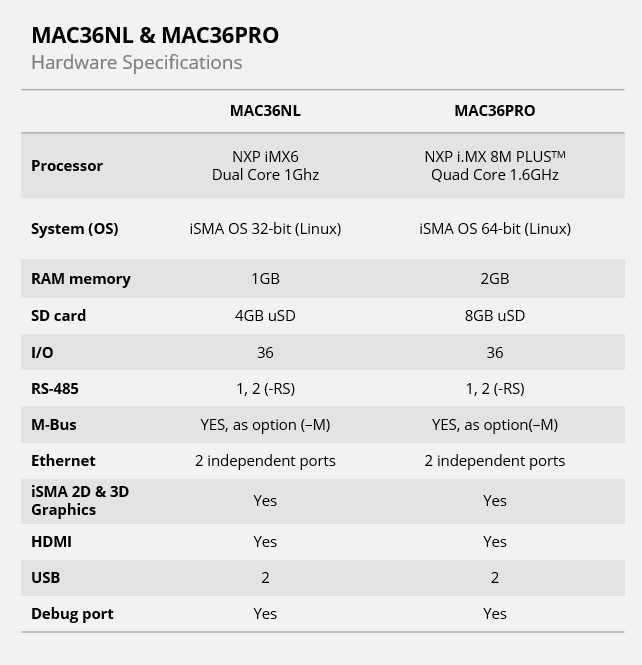
As you can observe the MAC36NL and MAC36PRO share most technical details, such as 36 I/Os, multiple interfaces (Ethernet, RS485, USB, HDMI), and Graphics support.
The only differences are in:
- CPU
- OS
- RAM memory
- SD card
- Supported Niagara versions
These enhancements in the MAC36PRO contribute to its improved performance and visualization capabilities compared to the MAC36NL.
Features Overview
Below, we show you the technical details explained in a deeper fashion on the picture of the MAC36NL. However, as most of the specs are the same, they also apply to the MAC36PRO. The differences lie only in the CPU, OS, RAM memory, SD card, and supported Niagara versions.
Front Cover
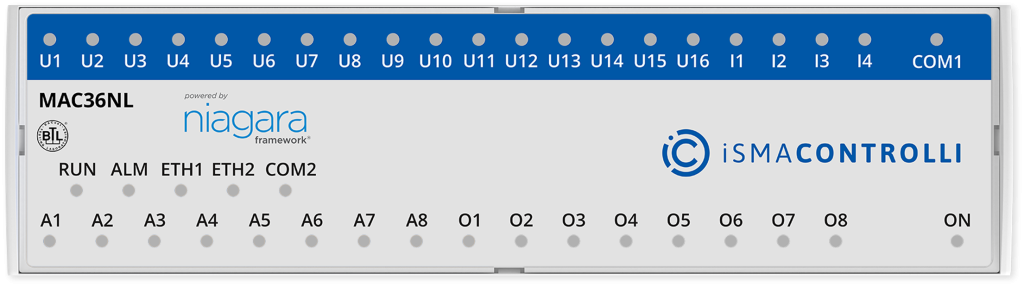
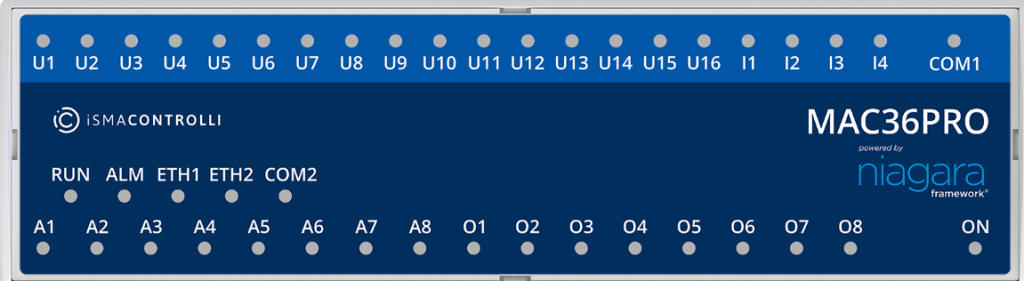
- LEDs for quick status checking and diagnostics
- Power supply ON status
- Inputs & Outputs status
- ETH1, ETH2, COM1, EXT Communication status
- Running and Alarm status
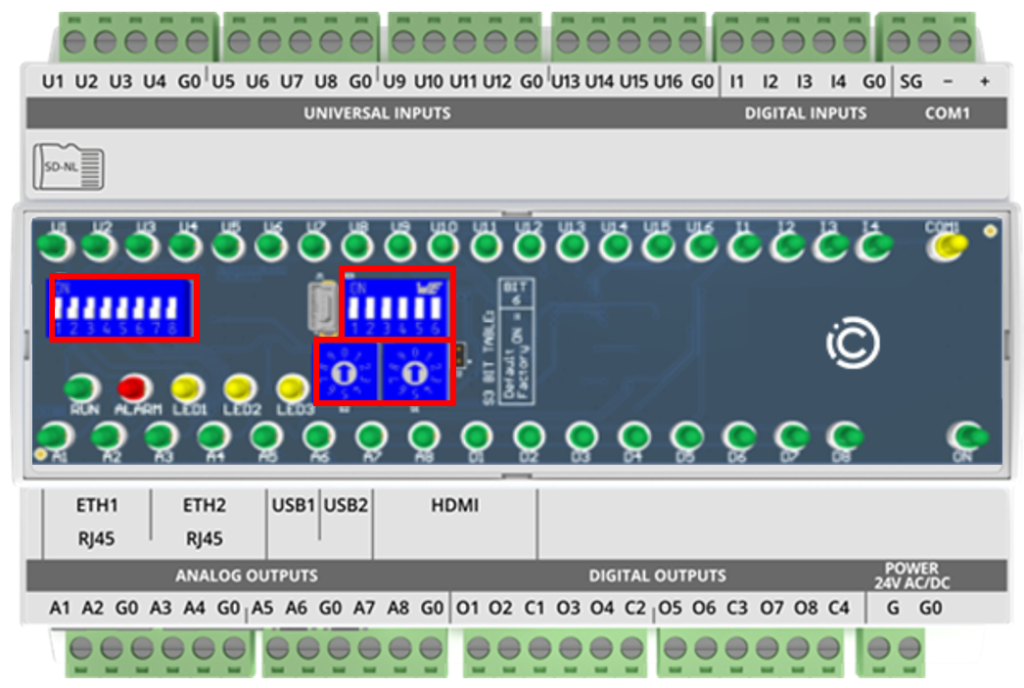
Programmable DIP & Rotary Switches
Why?
- Use integrated switches as a part of an application
- Set device configuration without logging into the station
- Adjust parameters of the application with DIP switches
- Reduce the labor costs
- Reset controller to default settings with 6th DIP Switch