
When it comes to configuring the MAC36 series using Niagara, everything revolves around Niagara Workbench. However, this can be a broad topic since each Niagara distributor may offer a different branded version of Workbench. To avoid confusion and ensure smooth commissioning of the MAC36NL and MAC36PRO, it’s essential to understand the specific Workbench you’re using and how to access the necessary files and modules for proper configuration.
We will consider few common situations
1. Using iC Workbench
This is the iSMA CONTROLLI – branded version of Niagara Workbench. It is the easiest option to start programming MAC36 controllers, as it comes preloaded with distribution files for both the MAC36NL and MAC36PRO, along with additional iSMA CONTROLLI modules. Everything is set up from the start, making it a convenient tool for quick deployment.
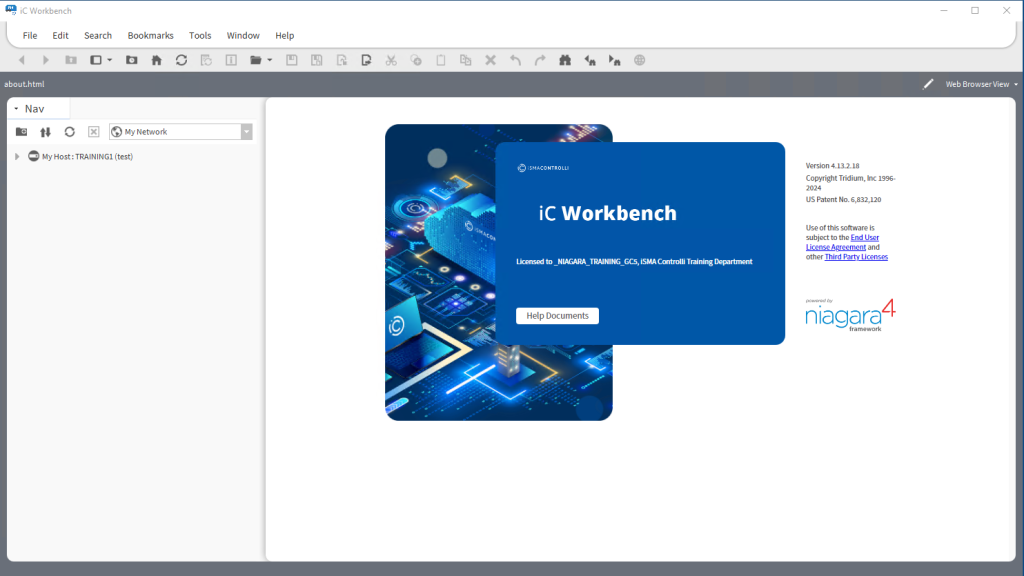
Keep in mind that iC Workbench is now available only for versions 4.10.7.42 and 4.13.2.18. In the future there will be new releases – you can always verify which versions are supported in our download center here: iSMA CONTROLLI Download Center
2. Using 3rd Party Workbenches
If you’re using a third-party version of Niagara Workbench such as Vykon Workplace, Tridium EMA or any other installation we recommend using the iC Niagara Expansion Pack. This pack imports all the necessary MAC36 distribution files and iSMA CONTROLLI modules into your third-party Workbench installation, ensuring compatibility with both MAC36NL and MAC36PRO.
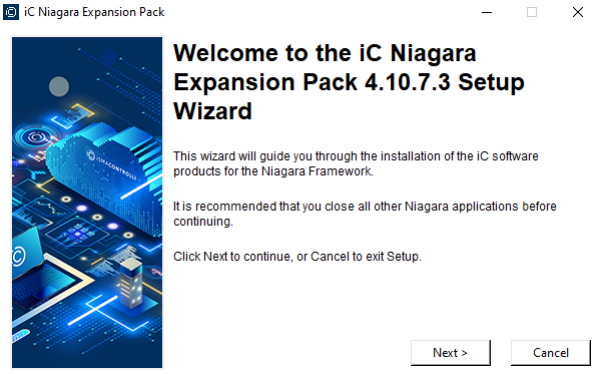
The iC Niagara Expansion Pack requires the compatible version of the Niagara Framework installed on the PC.
For example, iC Niagara Expansion Pack 4.13.2 requires the Niagara Workbench 4.13.2 installed on the device.
As of now, the iC Niagara Expansion Pack supports versions:
- 4.10.7
- 4.13.2
The same as with the iC Workbench, you can always verify which versions are currently supported in our iSMA CONTROLLI Download Center
3. Working with Niagara Legacy versions
If you’re working with an older Niagara version or not included in the iC Expansion Pack, you’ll need to use the iSMA_MAC36NL_files_installer_v1.10, which is available on our support page here: iSMA CONTROLLI Download Center.
The MAC36NL supports the following legacy versions of the Niagara Framework:
- 4.4.73.24
- 4.6.96.28
- 4.7.109.20
- 4.8.0.110
- 4.9.1.30
- 4.10.3.20
- 4.11.1.16
- 4.12.2.16
It’s only applicable for MAC36NL as MAC36PRO does not support legacy versions