
The correlation between the version of the Niagara installation and the version supported by the MAC36 controller is crucial for proper commissioning. If there is a mismatch, such attempts will result in an error.
The number after the third dot indicates the upgrade to the main Niagara version (e.g., 4.10.3 is the third upgrade to 4.10). To run MAC36, the same version of the update is required on both the workbench and the controller.
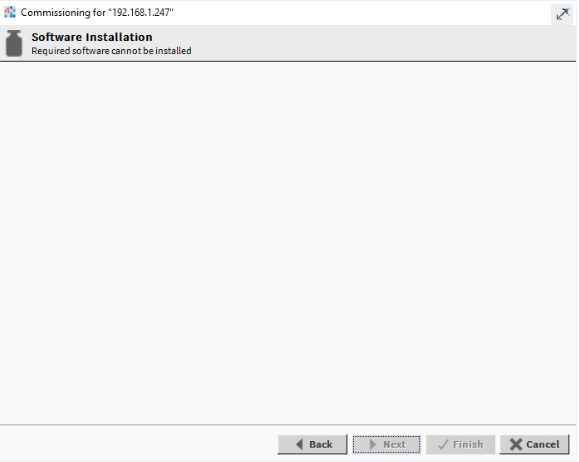
As an example, MAC36NL supports versions 4.10.3.20 and 4.10.7.42. If users try to install a different version, such as 4.10.4.34, the following window will appear during the commissioning process:
Long story short: make sure that the version of the Niagara installation matches the version that is supported by the controller.
Below is the list of supported Niagara versions for both MAC36NL and MAC36PRO as of iC release 1/2024. You can always find the full list in the release notes here: iSMA CONTROLLI Download Center
MAC36NL
- 4.13.2.18 – included in iC Workbench & Exp Pack
- 4.10.7.42 – included in iC Workbench & Exp Pack
- 4.12.2.16
- 4.11.1.16
- 4.10.3.20
- 4.9.1.30
- 4.8.0.110
- 4.7.109.20
- 4.6.96.28
- 4.4.73.24
MAC36PRO
- 4.13.2.18 – included in iC Workbench & Exp Pack
- 4.10.7.42 – included in iC Workbench & Exp Pack