Lesson 2,
Topic 3
In Progress
Uploading prepared configuration
Lesson Progress
0% Complete
Using iSMA Configurator, we are able to save our own configuration to a file and then upload it to Touch Point with the default configuration. This is a very useful option if we want to upload the same configuration to a large number of Touch Point devices.
The section below show step by step how to do it.
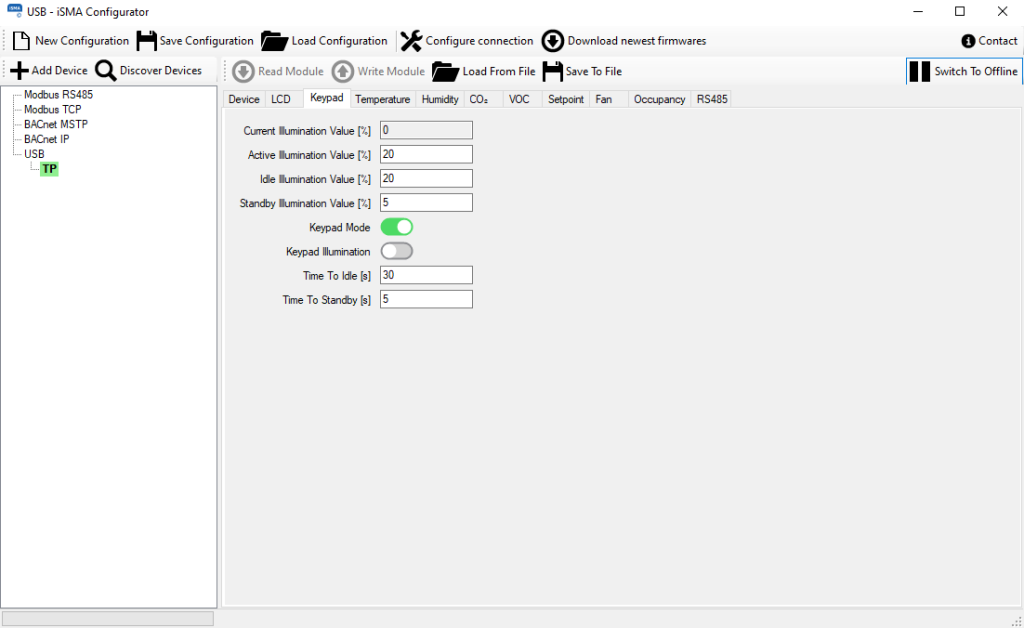
- Connect Touch Point to PC.
- Create your own configuration.
- Save the configuration using the Save To File option.
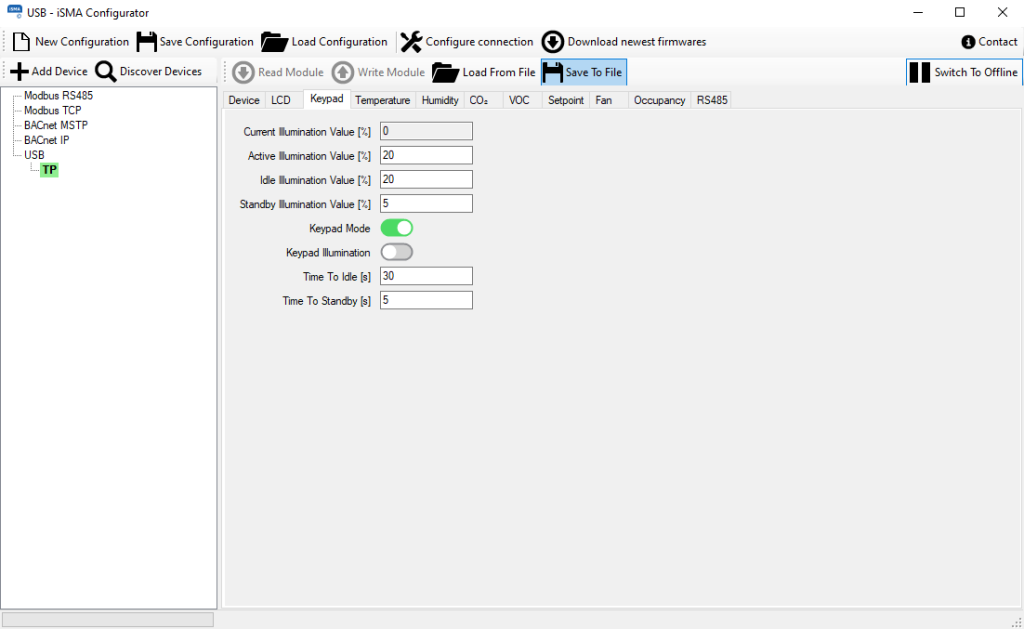
- Restore the default settings of the Touch Point panel
- Upload the configuration file using the Load From File option.
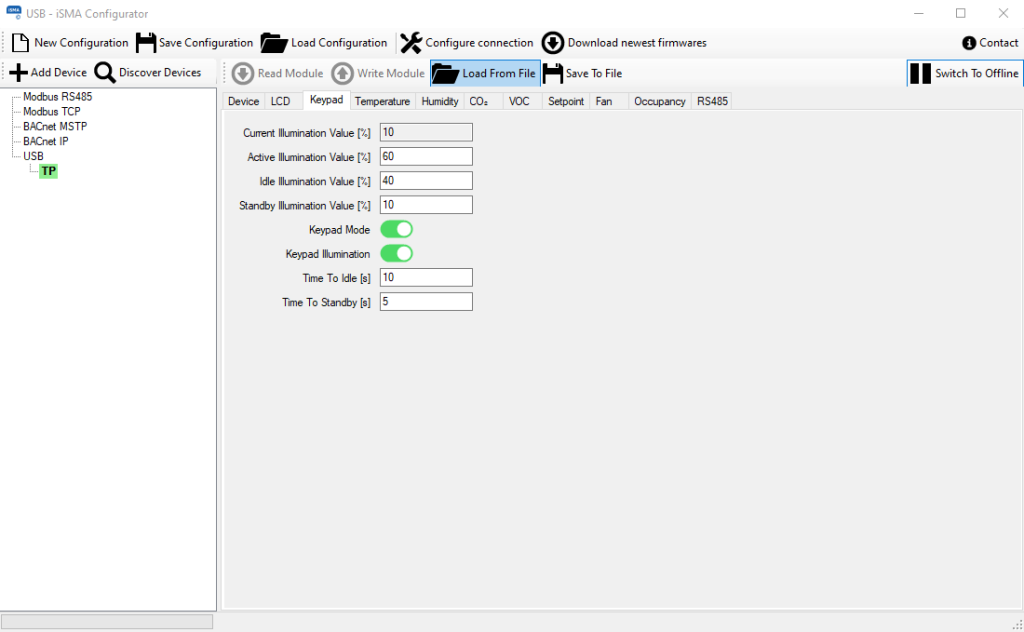
- Configuration should be restored