
If you already know the first generation of Touch Point, this topic is the shortest route to the 2.0 range. Everything you know about wiring, addressing and configuration still applies – the changes are in the design, the user interface and the model range.
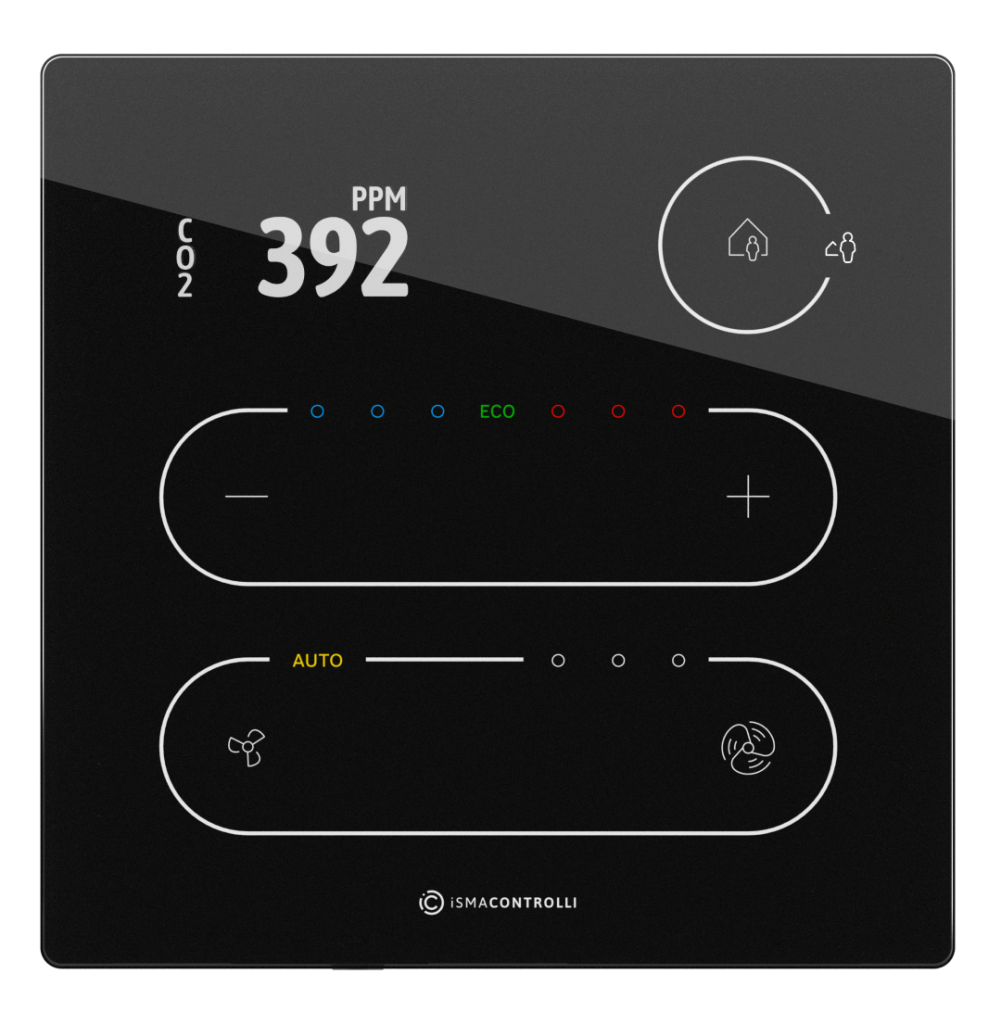
New premium design
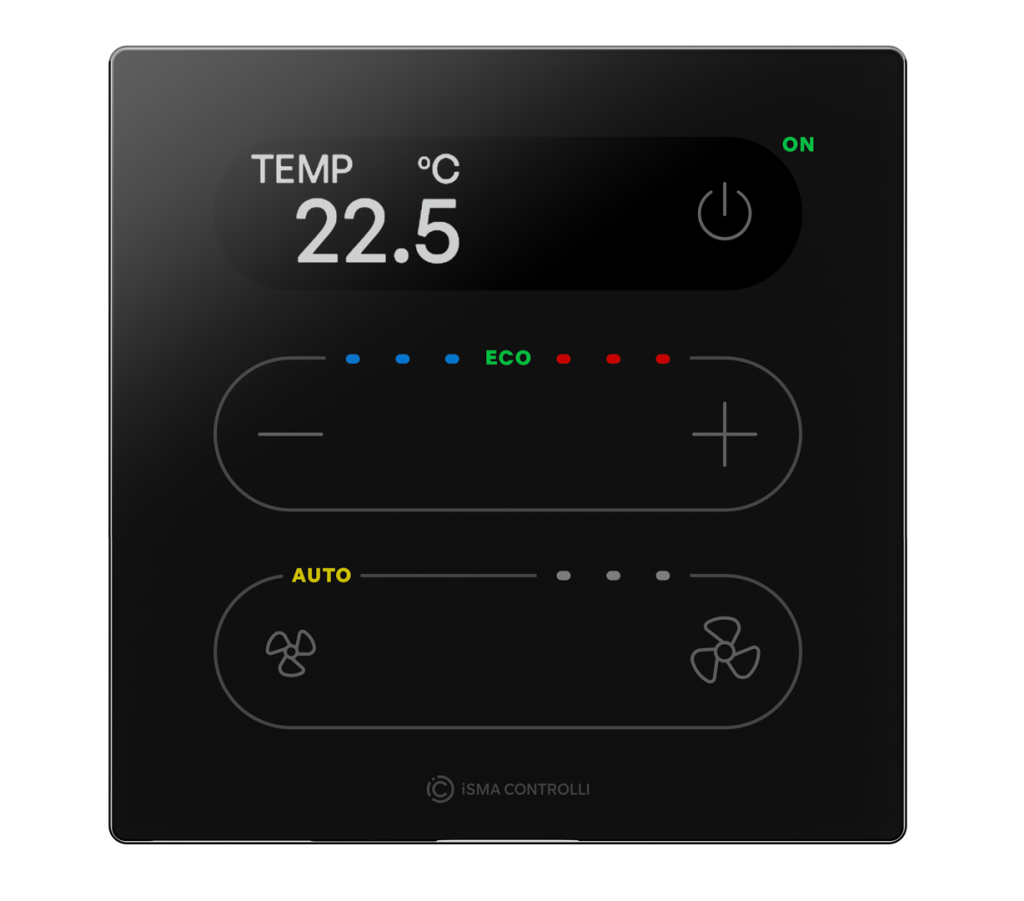
- A new screen design with carefully selected fonts significantly improves screen visibility.
- The modern notch makes the screen appear larger than it physically is.
- The screen edges are hidden behind the rounded edges of the notch, which gives the product its premium character.
New power button
The 2.0 panels have a power button integrated into the notch. It simplifies day-to-day use for tenants in commercial buildings – switching the room control on and off no longer requires entering a menu.
The power button can also be disabled and made completely invisible. The typical use case is a hotel application with a card holder, where the room is switched on and off by the key card and the occupant should not be able to override it from the panel.
Display flexibility
The display can be hidden – simply turned off in the configuration. Because of this there are no separate “no display” models in the 2.0 range: one panel covers both cases.
Simplified user interface
Several firmware improvements were introduced based on customer feedback:
- 0.5 °C default setpoint step, improved from 0.1 °C – fewer touches to reach the desired setpoint.
- Simplified operation of the temperature LEDs.
- New alarm sound (buzzer) with a choice of multiple tones.
Summary of changes
| Area | Touch Point 1.0 | Touch Point 2.0 |
|---|---|---|
| Front design | Glass front, full-width screen | Glass front, screen in a rounded notch |
| Power button | — | Integrated in the notch, can be hidden |
| Display | Model with or without display | One model, display can be turned off |
| Setpoint step | 0.1 °C default | 0.5 °C default |
| Buzzer | Single tone | Multiple selectable tones |
| Lighting & blinds | — | TP-4L / TP-4L1B and TP-ONE models |
| Colours | Black / white | Black / white |
| Communication | BACnet MS/TP, Modbus RTU/ASCII | BACnet MS/TP, Modbus RTU/ASCII |