Lesson Progress
0% Complete
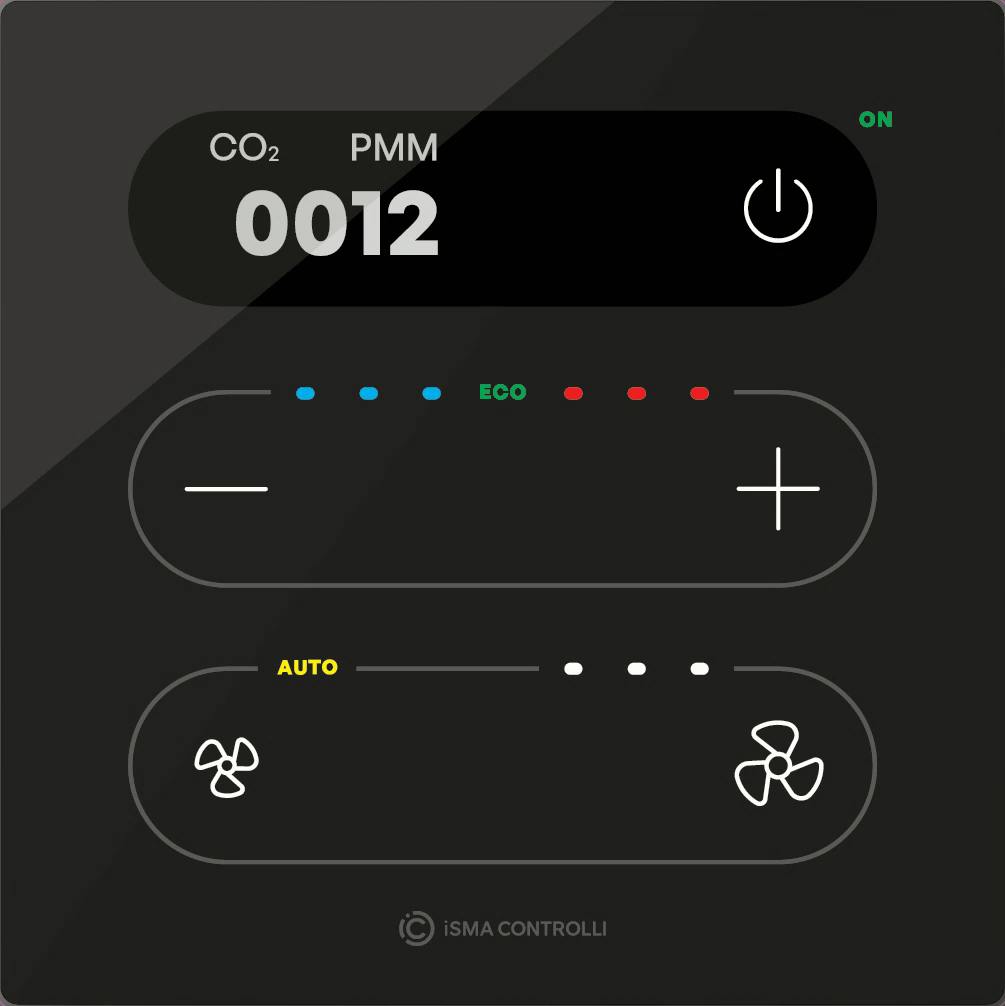
All 2.0 panels share the same visual language: a glass front, a rounded notch containing the display and the occupancy button, and touch fields grouped into rounded areas.
Elements of the front panel
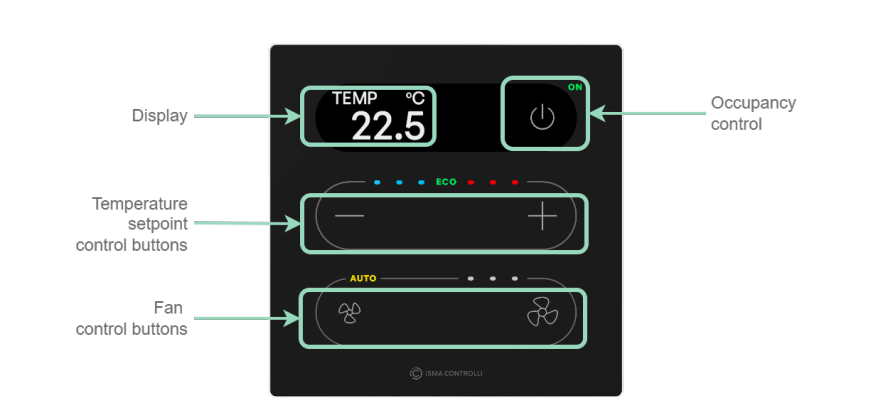
| Element | Function |
|---|---|
| Notch | Rounded area hiding the screen edges; contains the display and the occupancy button |
| Display | Shows the current measured value or setpoint; can be turned off in the configuration |
| Occupancy button | Switches the room control on and off; can be disabled and hidden |
| Setpoint area (− / +) | Changes the setpoint in 0.5 °C steps (default) |
| Temperature LEDs | Blue → ECO → red scale showing the setpoint offset |
| Fan area | Changes the fan speed; AUTO plus speed LEDs |
| Lighting / blind fields | Present on TP-4L, TP-4L1B and TP-ONE models – see Lessons 4 and 5 |
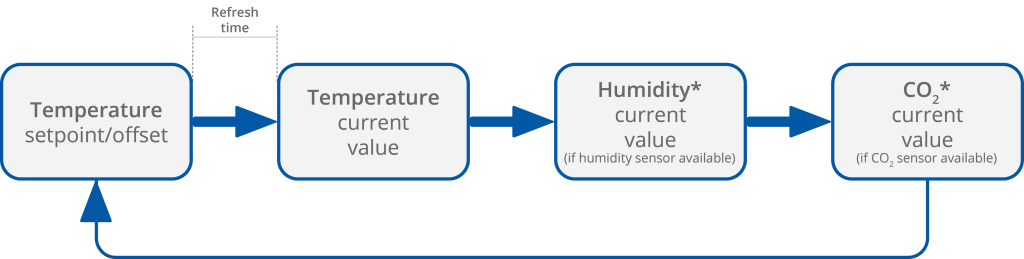
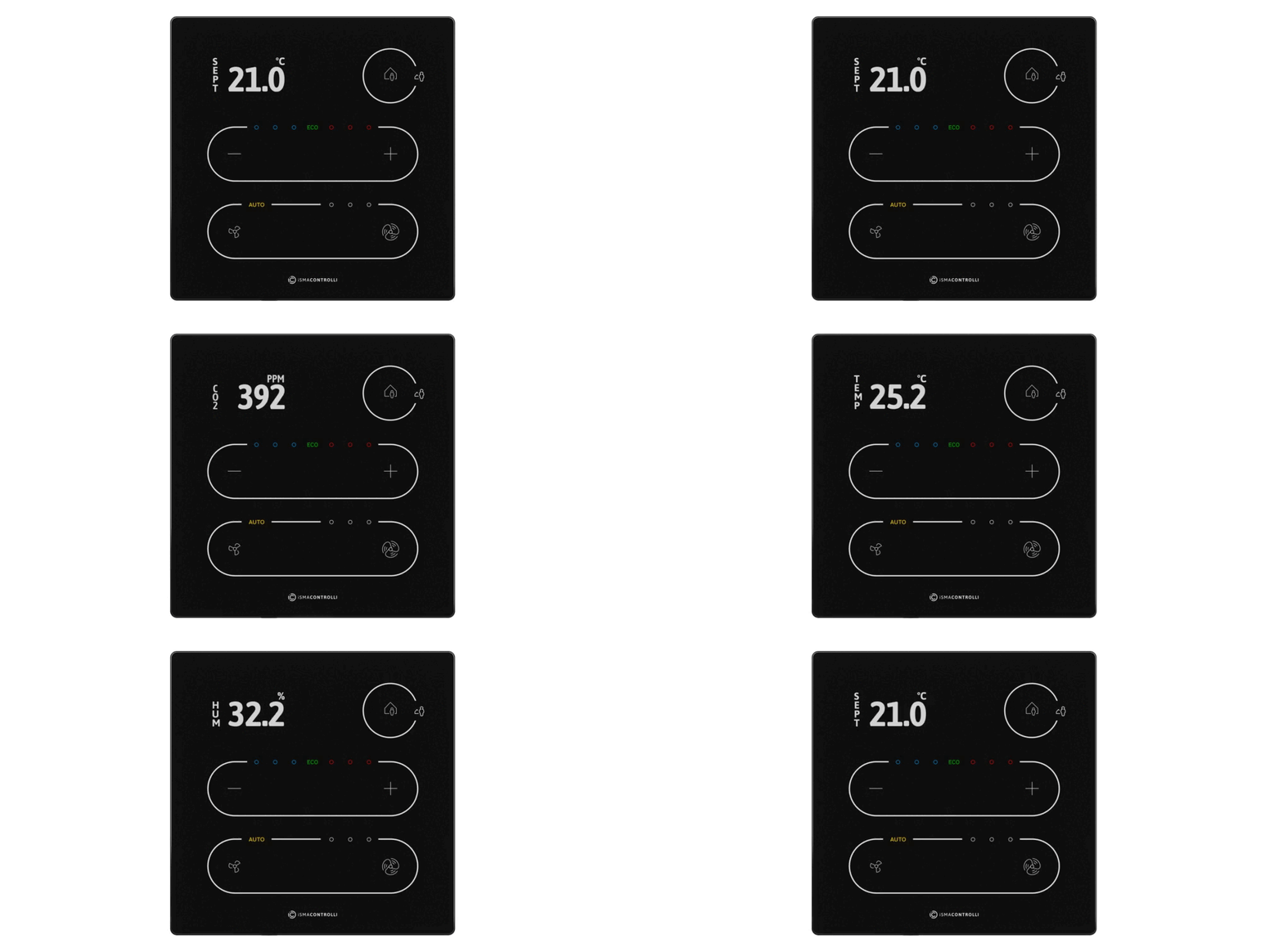
Elements on the LCD display are shown in a sequence for a duration of 2 seconds (default refresh time setting – modbus register 40217), after which the subsequent one is displayed.